
If you have receipts or files that you no longer need, you can easily delete them.
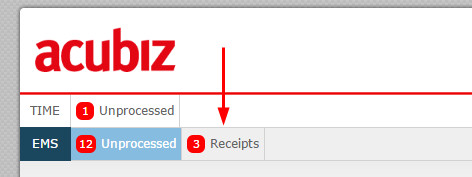
To get started, please click on the Receipts menu button to open your file area. Here, you'll see all receipts that aren't linked to any transactions.
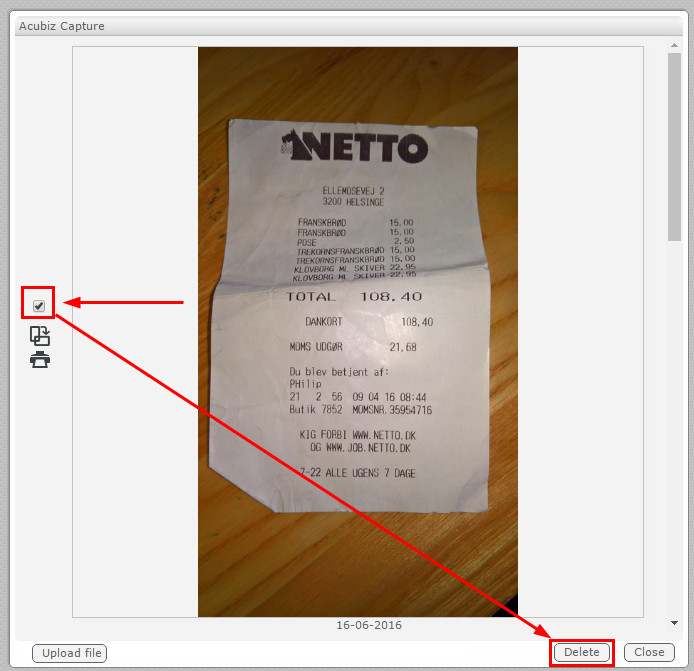
You can select the checkbox next to each receipt or image you want to remove, then click Delete.
For example:
The selected images have now been successfully deleted from Acubiz.
Comments
0 comments
Please sign in to leave a comment.